

Before you start: create a Fortytwo API key and buy credits — see Quickstart, step 1. Give each agent its own key with a Spend limit.
1
Install pi
On macOS or Linux:On Windows, in PowerShell:The installer adds Node.js if it is missing.
2
Add Fortytwo to models.json
Create If the file already exists, add the
~/.pi/agent/models.json with this content:~ is your home folder. Folders that start with a dot, such as .pi, .config or .codex, are hidden. To show them: Cmd+Shift+. in Finder on macOS, View → Show → Hidden items in File Explorer on Windows, Ctrl+H in most Linux file managers.~/.pi/agent/models.json
fortytwo entry inside its providers object.3
Enter your API key
- Start pi in your project folder:
- Type
/login - Choose Sign in with an API key, then Fortytwo, and paste your key. pi saves it in
~/.pi/agent/auth.json.
fortytwo. The next step sets it.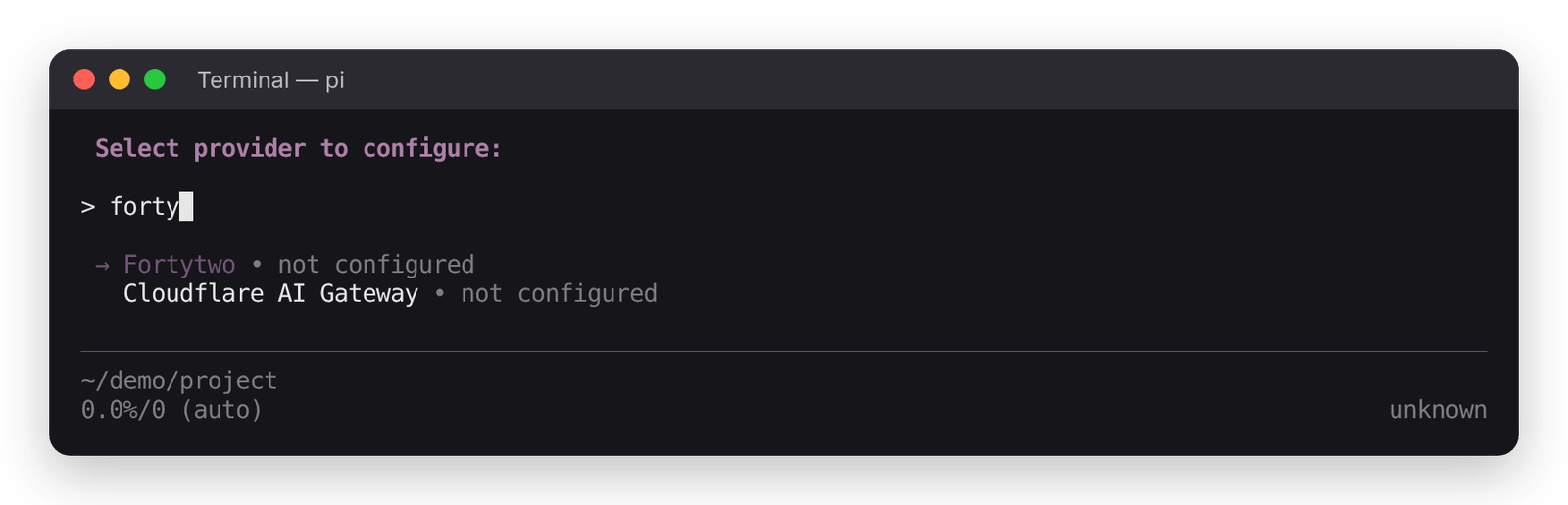
4
Select the model
-
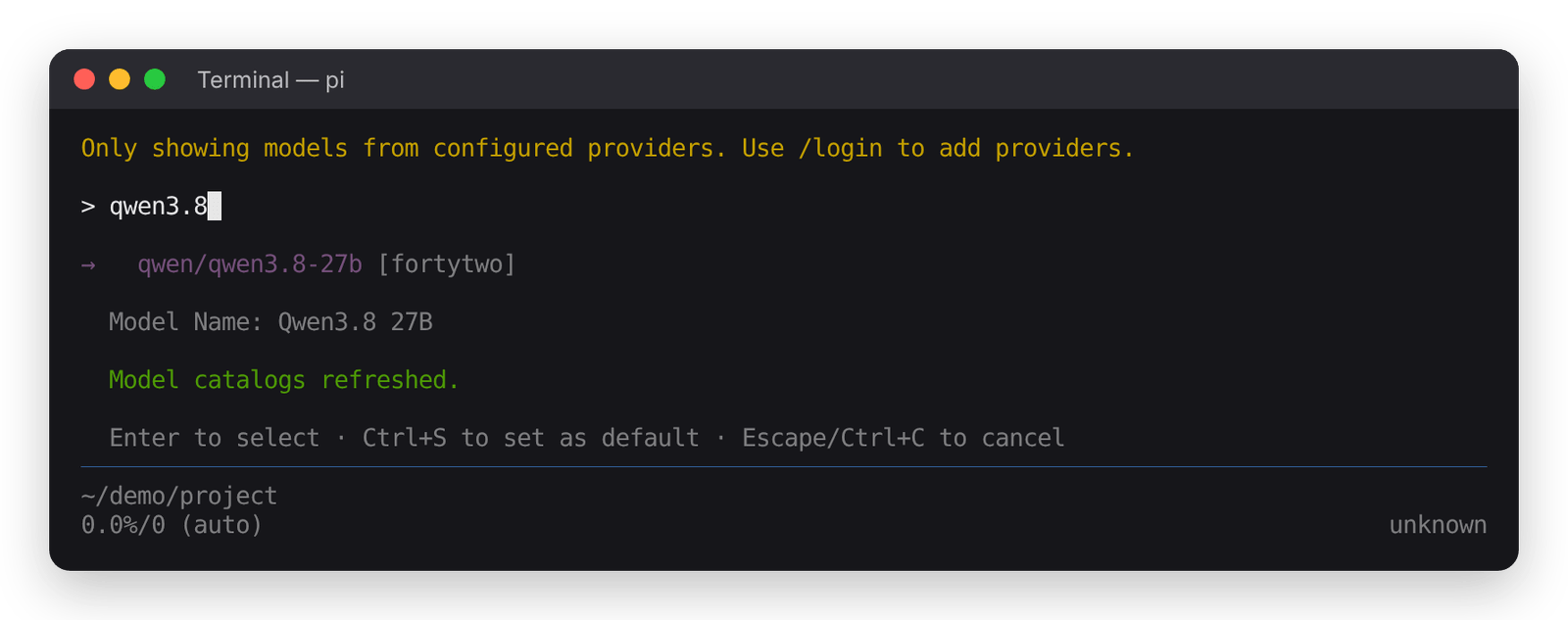
Type
/model, thenqwen3.8, and chooseqwen/qwen3.8-27b [fortytwo]. -
Press Ctrl+S to make it the default for new sessions.
5
Set reasoning to medium
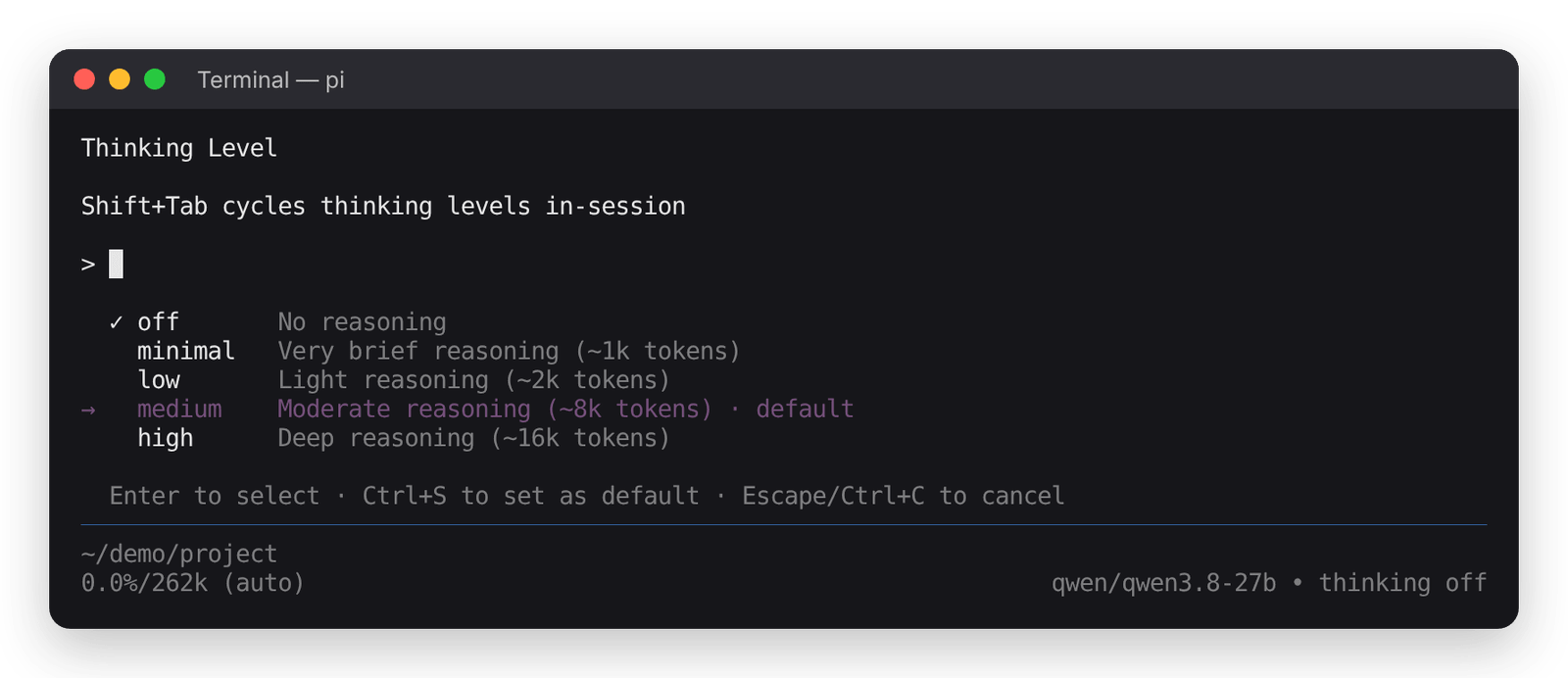
pi starts with thinking off and sends no reasoning level. Set the level to medium, so every request asks for it:
-
Type
/thinkingand choose medium. -
Press Ctrl+S to make it the default for new sessions.
6
Start a task
Type a task and press Enter. The status line shows 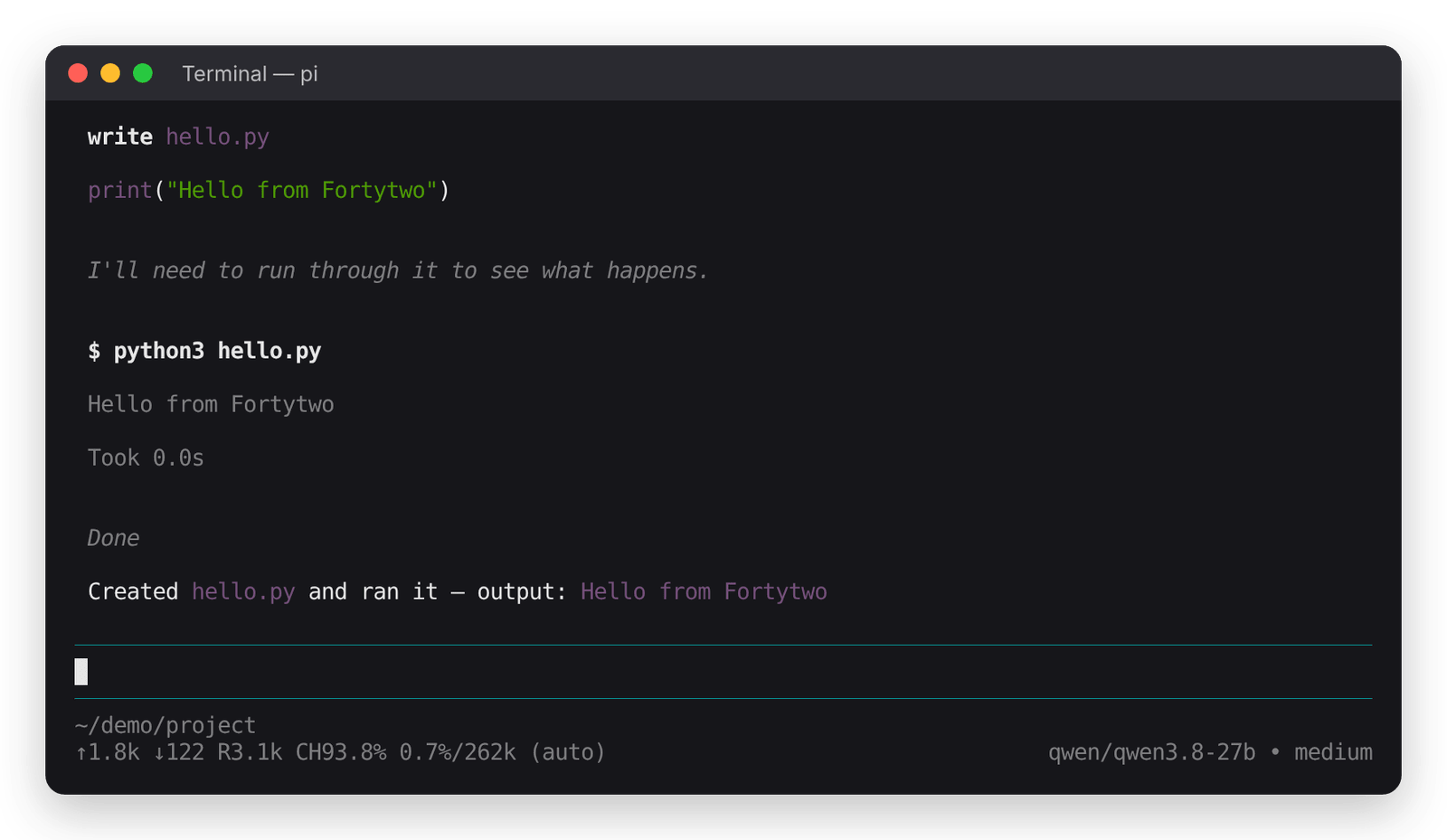
qwen/qwen3.8-27b • medium.Something not working with your agent, or using one we have not listed? Tell us in the platform: Feedback for ideas and small bugs, Contact support if it blocks your work, or Report a security issue.