

Before you start: create a Fortytwo API key and buy credits — see Quickstart, step 1. Give each agent its own key with a Spend limit.
- Desktop app
- Terminal
1
Install Hermes
Download the installer from hermes-agent.nousresearch.com/desktop . Install it.On Linux, install Hermes in the terminal (see the Terminal tab).
2
Hermes onboarding: skip the provider choice
Open Hermes. On the first screen, Let’s get you setup with Hermes Agent, choose I’ll choose a provider later.
3
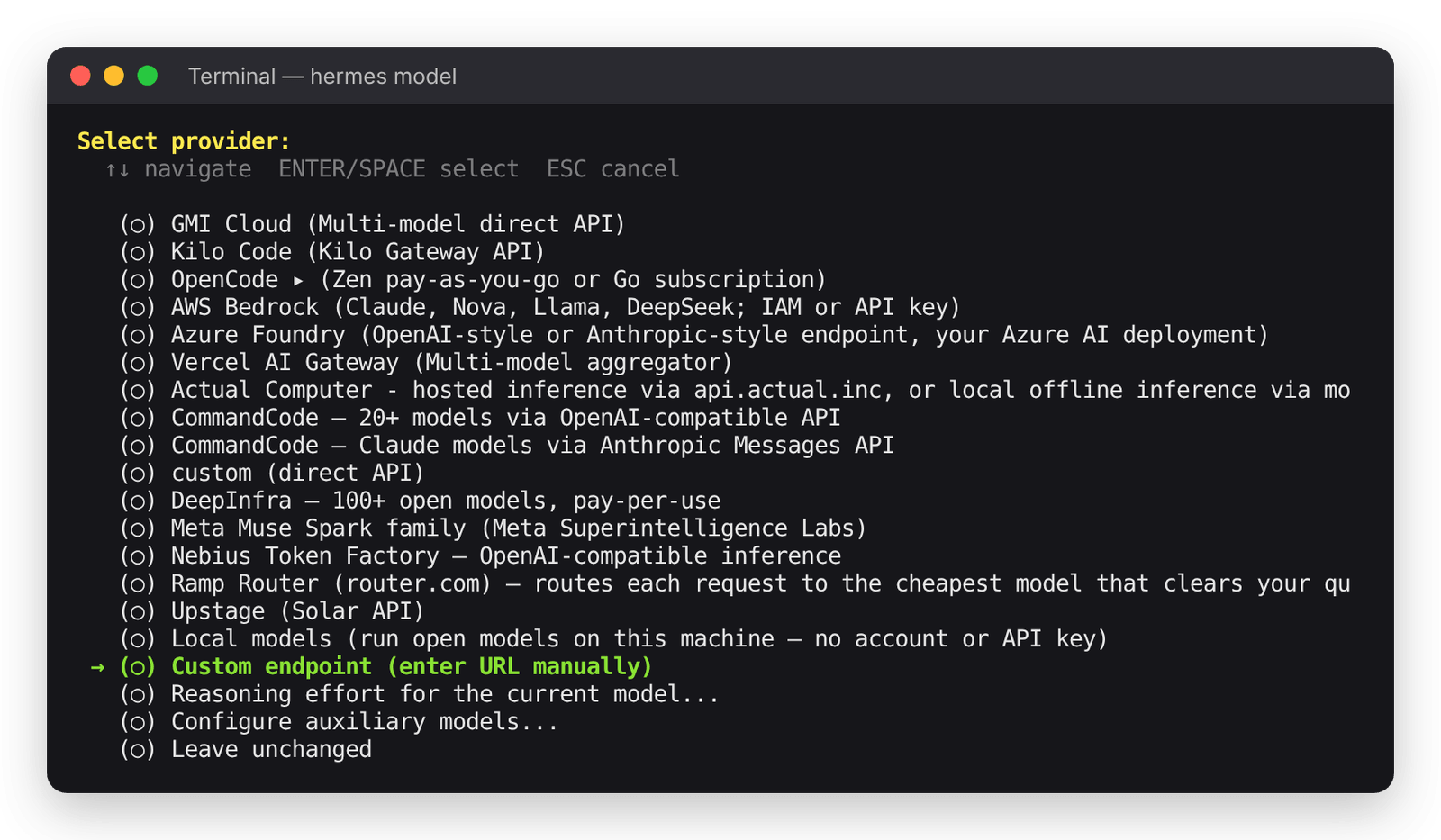
Add Fortytwo as a custom endpoint
- Open Settings (Cmd+, on macOS, Ctrl+, on Windows).
- Open Providers → Custom Endpoints.
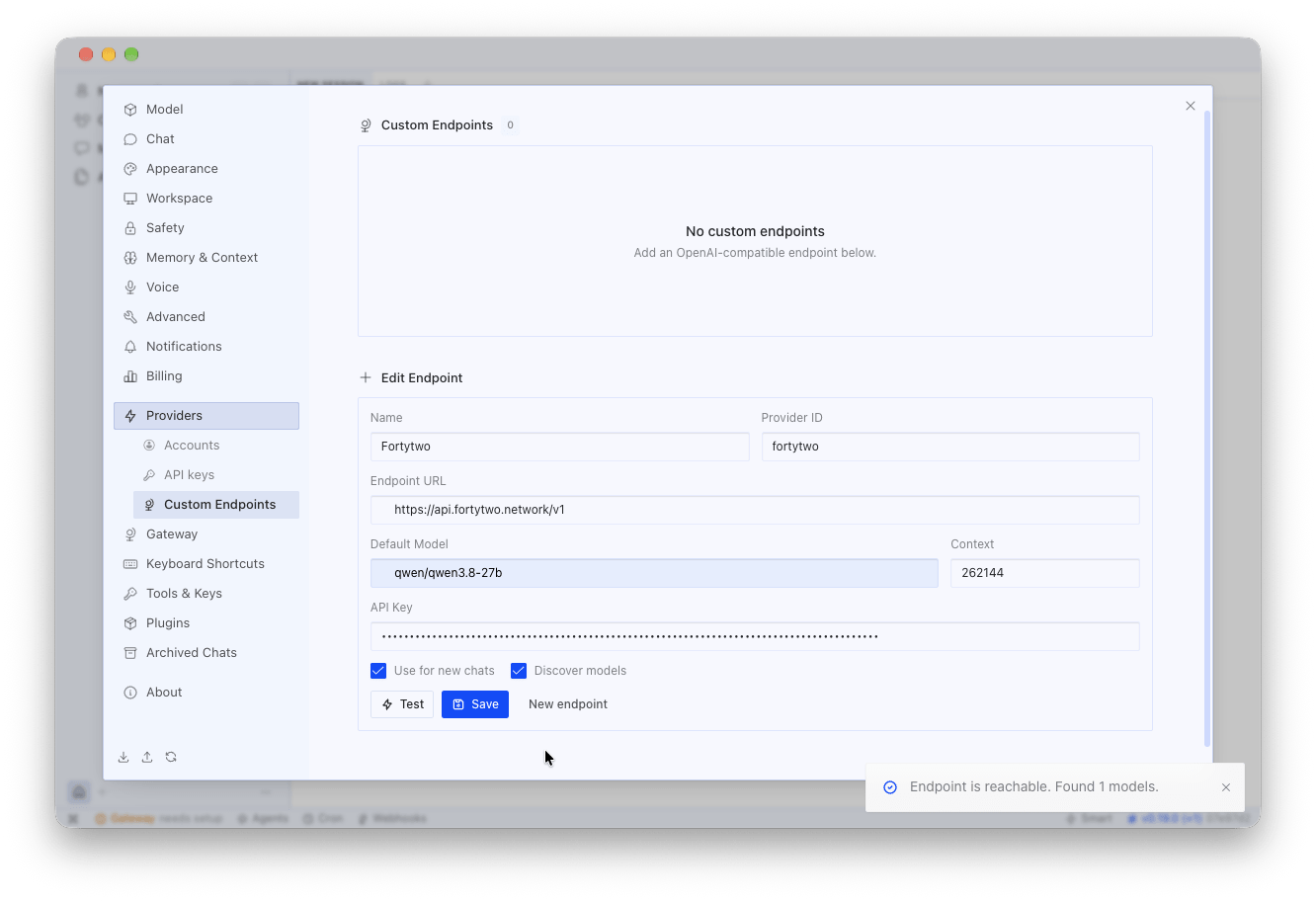
- Fill in the endpoint form:
Keep Use for new chats on.
-
Press Test. Hermes shows Endpoint is reachable. Found N models. Test before you save: after Save, Test reports that the endpoint rejected the API key, though the saved endpoint works.
-
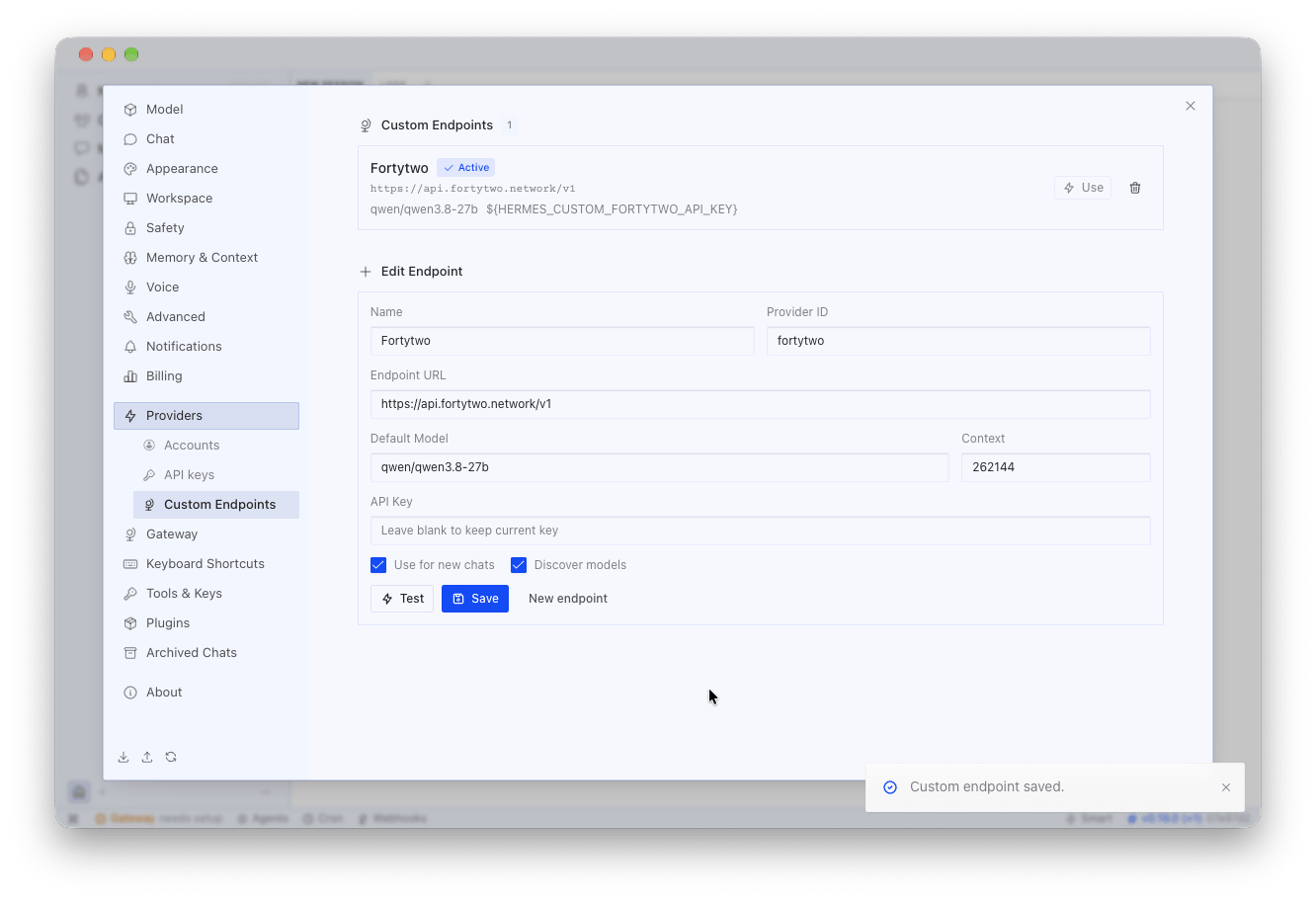
Press Save. Hermes shows Custom endpoint saved and lists Fortytwo under Custom Endpoints as Active.
4
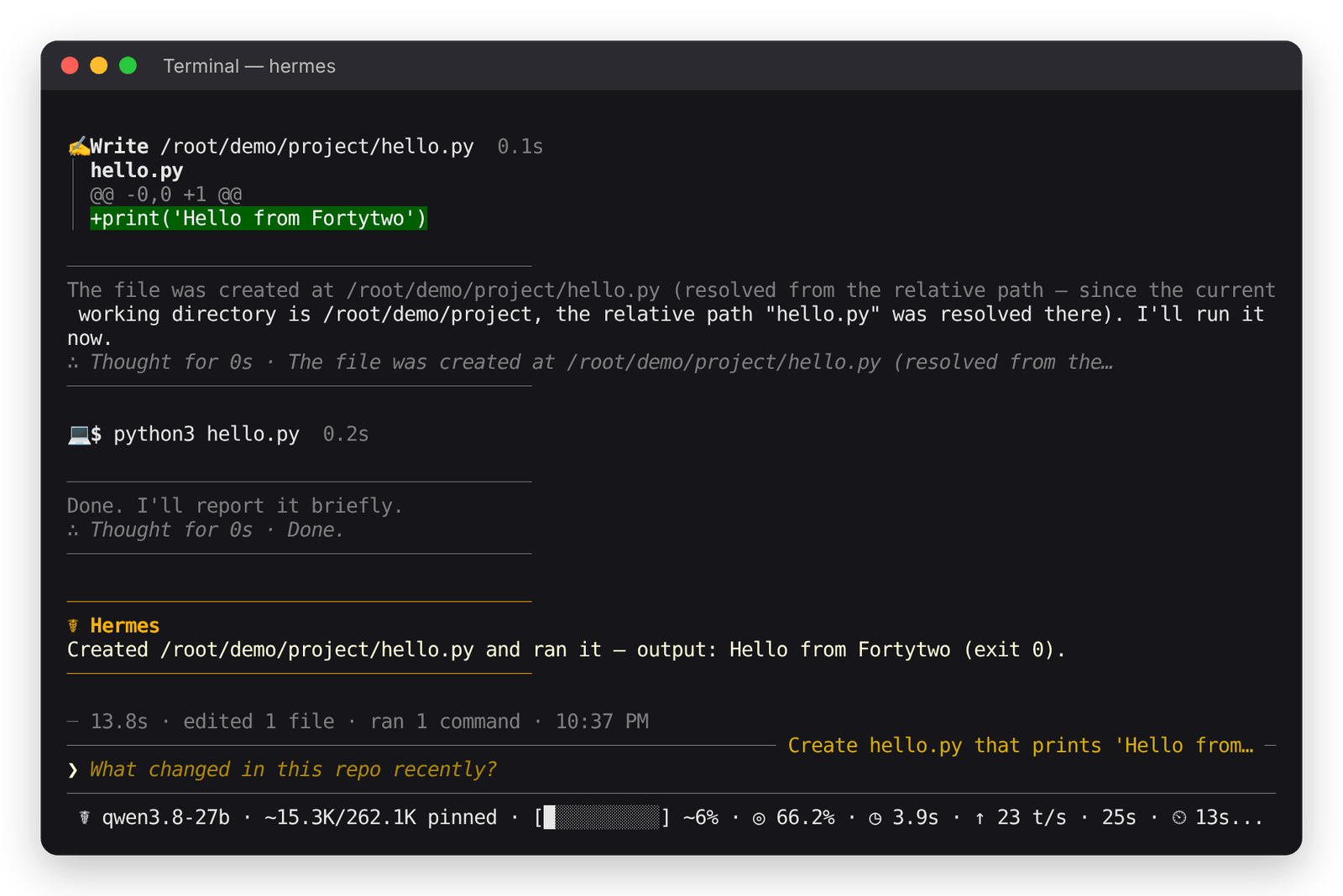
Start a chat
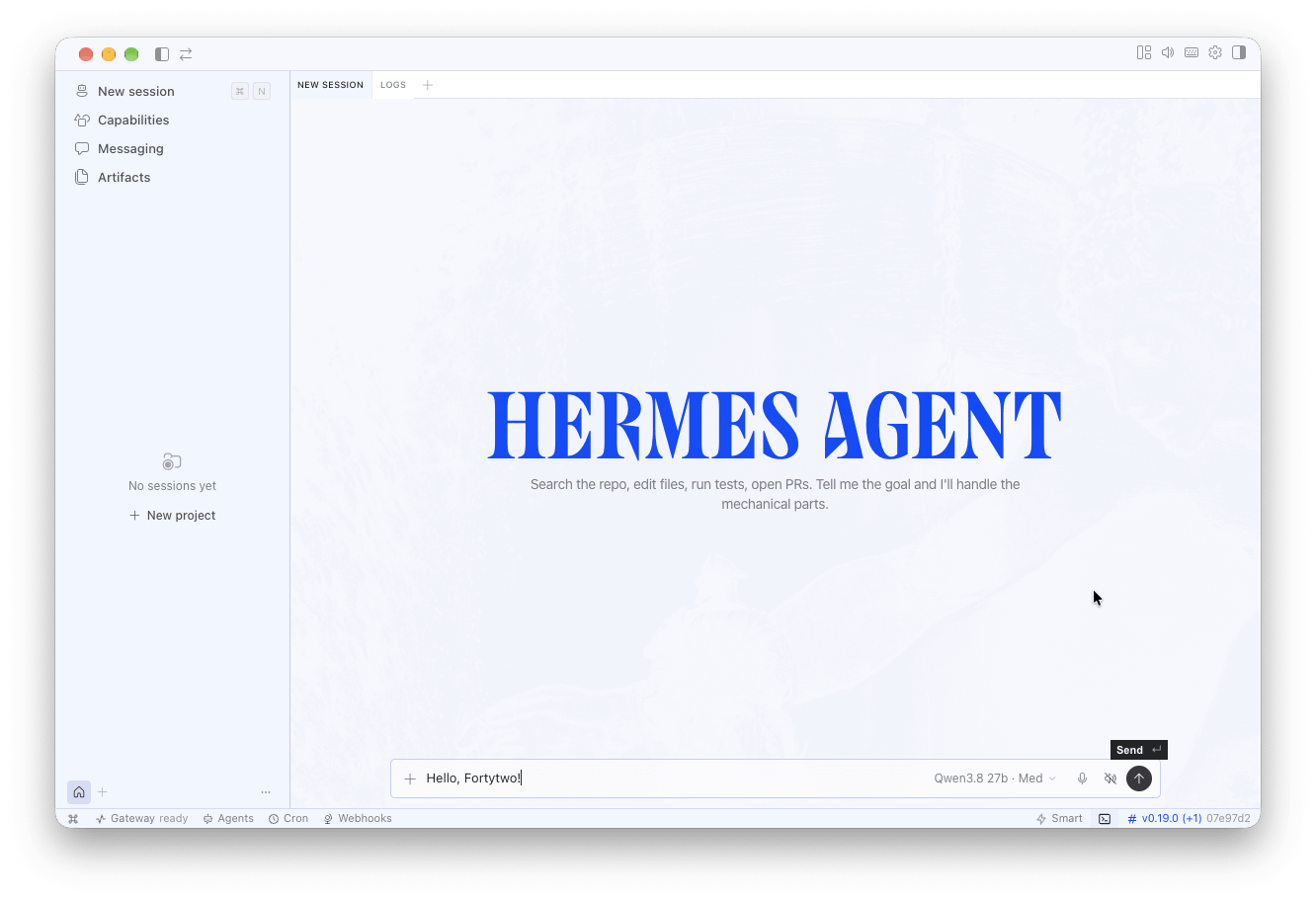
Press Cmd+N (Ctrl+N on Windows). In the model picker next to the message box, check that Qwen3.8 27b is selected under Fortytwo, then send a message. The same picker turns Thinking on or off.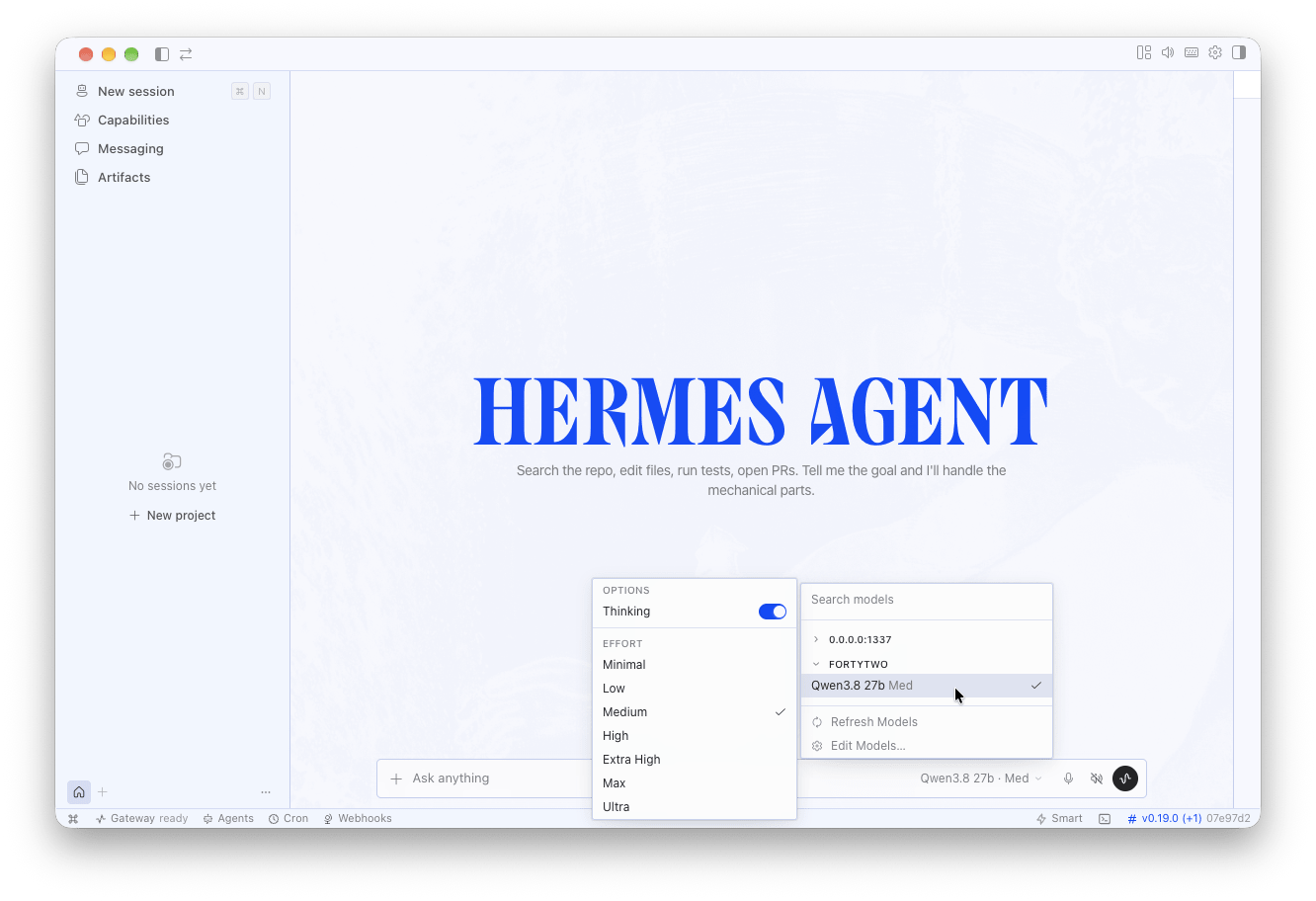
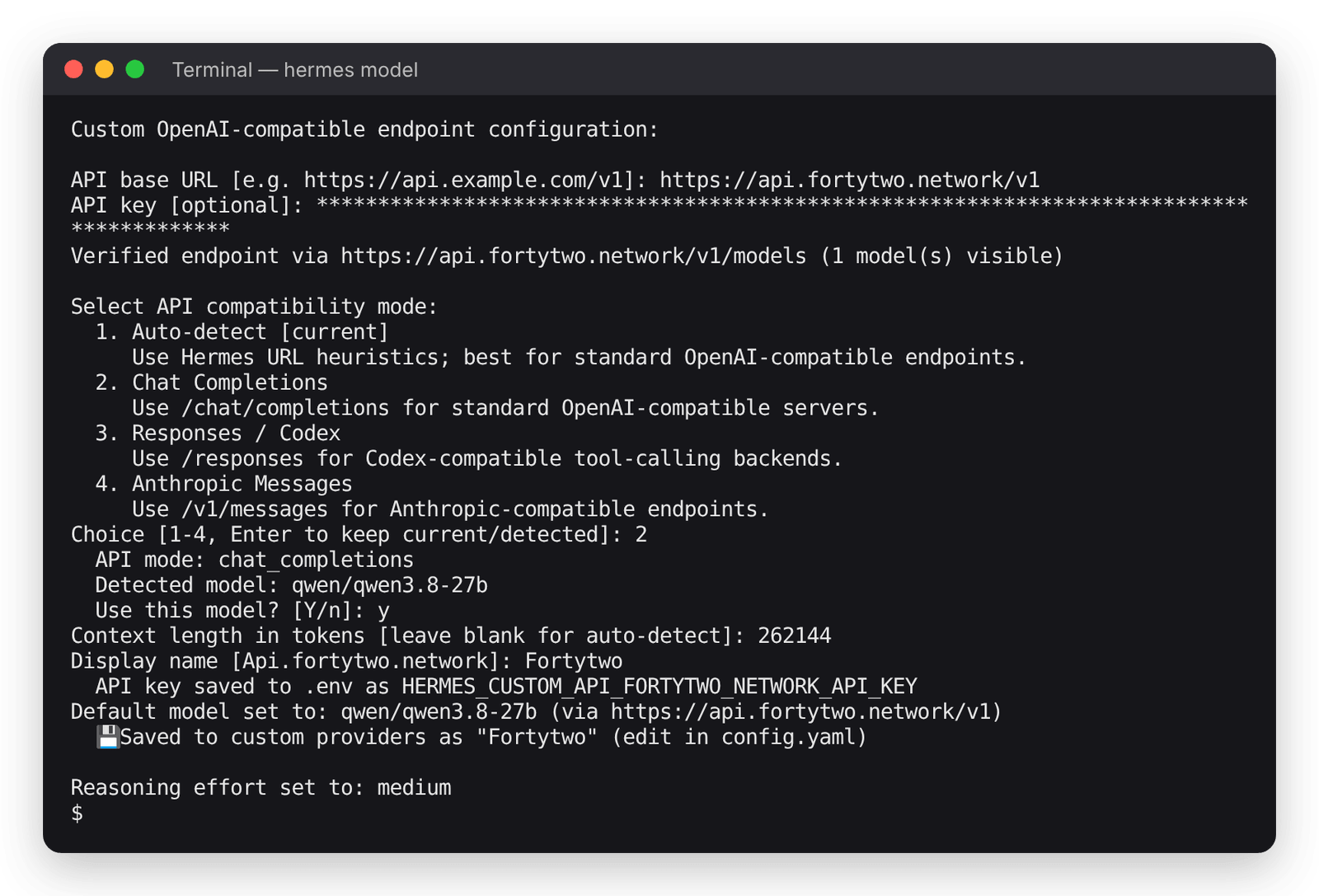
qwen/qwen3.8-27b has 262,144. More settings: Hermes custom providers .
Something not working with your agent, or using one we have not listed? Tell us in the platform: Feedback for ideas and small bugs, Contact support if it blocks your work, or Report a security issue.